Follow the development process of the creator building, testing, and improving upon the Mechanical Engineering Helper website day by day. Once you click one of the entrys go to the bottom of the page where the entry will have opened.
I started making this website first because I had the thought of “could I actually make a successful website about mechanical engineering” and I decided to go for it. I started finding where and how to start coding and teaching myself. Consequently, because I started teaching myself I made many mistakes. First off, I started with the design of it then went to making the Courses page.
The Courses page was a headache because I copied the code for Statics for each one then got confused by why the button for each took me to the Statics page. I eventually realized since I copied the code it also copied the link so it sent the user to the statics page.
Next I worked on the Statics page and each of the buttons and content. Mostly the hard part was making the 100 quiz. It was so difficult because originally it was to be 10 questions and each time you did it the system would randomly select a set of 10 questions from 10 sets equaling 100 questions total if you got them all. However, because of continued bugs I changed it to the full 100 questions but it does randomly select the order of the questions so you can not just memorize the order of questions.
Today I started the Creators Journey page. I designed the Creators Journey button on the main Index page which is the title page. I had to fix an issue where the Creators Journey button was too close to the Courses page button. I fixed this by adding the . in front of the code in css that was meant to be in front of the code journey-link which I added and fixed the issue. Next I made the page and the first entry named Start then finished the day with making this entry.
Today I continued working on the quiz section as I had another person look at it and it helped me see a few alterations which were needed. First I added a feature so that the highlighted wrong and right answers stayed lit up once someone came back to that question. Next I added a submission button on the 100th question to finalize the quiz. This also added the results of the quiz at the end with right, wrong, and the score at the end before you reset if wanted. Lastly I added a warning sign at the top of the quiz because I wanted to make sure no one's progress got erased if someone accidentally misclicked. Then I finished by writing today's entry.
For today I started working on the real world example tab. This tab had to have examples of everyday things a person might see in their day to day adventures which have a connection to statics. Some of the examples were brides, cranes, and ladders. The only problem I had was that I started going into rotational equilibrium instead of traditional equilibrium in examples like cranes and ladders. This was not a big deal but I wanted to keep the examples and information to match the lesson so I rephrased some of the wording so that I would not head in the direction of rotational equilibrium and instead to keep on track with traditional equilibrium.
I also started on my Kinematics course during this day finishing much of it from the lesson to the quiz. I was able to finish so much in one day despite the same task for statics taking multiple days because of my improved knowledge and base code. Since I already had the code for statics I copied it over to Kinematics simply changing the content. However, nothing is as simple as you may think as I had a few problems copying it over. First I copied it wrong to where the real world problems and video section got looped into another section and cut off in the code essentially making it hidden in the code and none accessible. After reworking it over a few hours I got it to work cleanly. Lastly, I wanted to add something new to the quiz. I added confetti to fall down after submitting as a way to make the user feel accomplished. The issue with that was the confetti was too little in amount. I first changed the time of it to see if that worked but all it did was make it slower and not even reach half the screen before it vanished. After a lot of trial and error over a small animation like confetti I eventually told it to only disappear once each piece hit the bottom. Unknowingly I accidentally made them start fading closer to the bottom but kept it as a happy accident. Lastly I started thinking of what experiment I wanted to do for my statistics course then finished with writing today's entry.
Today I finished the real world examples tab with little issue. Then I focused on making the backbone of the review, donating, and publishing tasks. I finished the review and donate page making them usable though I will later go back and alter them to make them better. I then published the page and even though there were a bunch of mix ups with the link and software I was using to publish it. After a while I finished and got it up and running. After I had gotten it up and running I got my first review from my physics teacher who left me advice about putting something around the wording to make it easier to read which I did. Then I finished the day by writing today's entry.
Today I went to my community college Wayne Community College to record the experiments. Luckily WCC let me use their science rooms and potentially in the future use more equipment from them. Until I can try and get some more physics and engineering tools and equipment from WCC My high school has supported me as well with some simple equipment. My high school Wayne School of Engineering contributed some weights, pulleys, fishing wire, meter sticks, etc. I started filming but had an issue with the camera angle because I had to use my phone for the best quality of video but could not get the right angle. Eventually I put my phone on a stand and higher up to be able to show everything. Finally I uploaded the videos to Youtube unlisted to be linked to the website when I can get them on there. Finally I wrote todays entry.
Today I linked the youtube videos to my website. I first started with the statics experiment on the website with some information. Then I also linked the Kinematics experiment video to the website with some more information as well. Lastly I finished with making sure the code was sound and I wrote this entry.
Today I started working on doing the code for Strength of Materials. I was successful in copying the code over but I did have one issue. The one issue I had was that it still said content coming soon instead of the lesson which is what I had at the time. The way I solved this was instead of finding the underlying issue I wrote code to force it to open as I knew it was just being blocked by something. Another problem I had was doing the quiz. I happened to notice a pattern in the questions. Almost all answers were not random. I had to replace the shufflechoices, loadquestion, and checkanswer functions in the JavaScript. This fixed the issue and luckily I did not need to do the same for Statics or Kinematics as they were still randomized. I then finished the real world examples. Lastly I started thinking of what experiment I was going to do for the Strength of Materials experiment video. After that I wrote todays entry.
Today I worked on the dynamics course. Specifically I worked on the lesson section of the dynamics page and I could only complete the lesson page for today as I wanted to make it more detailed. The reason I wanted to do so was in a way to honor my first review. He is a teacher of mine and he said he missed teaching dynamics and AP physics, so I decided to include a bit from AP physics and dynamics since they were my first review. I eventually finished the longer lesson page for dynamics than ended the day by writing todays entry.
Today I worked on trying to improve the formula sheets as it was reviewed and someone said it could be a bit confusing so I clarified some stuff with the units as well so no one gets confused about 98 N and N which are different. Lately after updating the Statics, Kinematics, and the Dynamics formula sheet I wrote todays entry.
Today I focused on the aesthetics of the website, improving a few things such as the title page. I first wanted there to be a waving banner behind the title but I ended up with something that looked lesser than what I was going for. For such a reason I made the banner rigged and metal looking. When I did this the animation was still in effect so it looked very weird. As I fixed the animation by taking it out I accidentally altered the appearance of the banner making it look more plain. Finally, I got it back to how it was supposed to be. However, I soon found that the orbit of symbols around the title were hidden behind the banner so I quickly fixed it so the banner is furthest in the background. Lastly, for today I added a new image to the statistics course to help visually teach during the lesson and in the future I will most likely continue adding these images in. Though I decided to AI generate them just in case of copyright laws for certain images.
I first started off today with writing the entry for May 29,2026 as that night I was too tired to write an entry and had other work to attend to. After I had gotten the other entry written I started doing todays core work. Today I wanted to implement an idea I had but first there were a few things I knew needed to be added first. The first one I added was the titles of the creators journey entries to t he tab buttons to not just the dates. I did this to give the person an idea of what it is about before they click on it as suggested by a reviewer. Next I added little summaries to each course page to give everyone an idea of that course and its relationship with mechanical engineering. Lastly, I followed through with my idea which was a menu dropdown to help navigate if clicking each button starts getting annoying for some. This is also helping future proof the website as I keep adding more it wont be too hard to go straight to the section you need. I ended today off with writing this entry and getting May 29th and todays work published since it is still not technically published but will now be.
Today I did not have much time to work on the website so I simply worked on the orbit of symbols on the Home page. The reason for this rework is because the orbit no longer fit with the Home page with the banner there as well as it clipped off the screen and into the website description. To fix these issues and to overhaul the design I made it seem as if it was a conveyor belt of symbols going around the banner. I also added a few more symbols. Then I ended the day off by writing todays entry.
Today I simply wanted to more closely track everyone using my website to better understand everything. I used analytics to see people using the website and where it is most popular. The code for it was not too complicated as google analytics gave it to me and I simply embedded it into every HTML file or also said as every page that could be visited on the website. Then I wrote todays entry.
Today I spent a few hours designing two posters for the website. I first designed one poster but quickly realized I would run out of space. So I made two posters, one with less information and more eye catching nature and one more informational. I will most likely put both posters near each other so they go hand in hand. While designing the poster the website I was using had an AI to help and when I tried it it quickly kept changing many things to the point it changed more of my design. After some tinkering I got it to where I needed and wanted it. I then wrote todays entry.
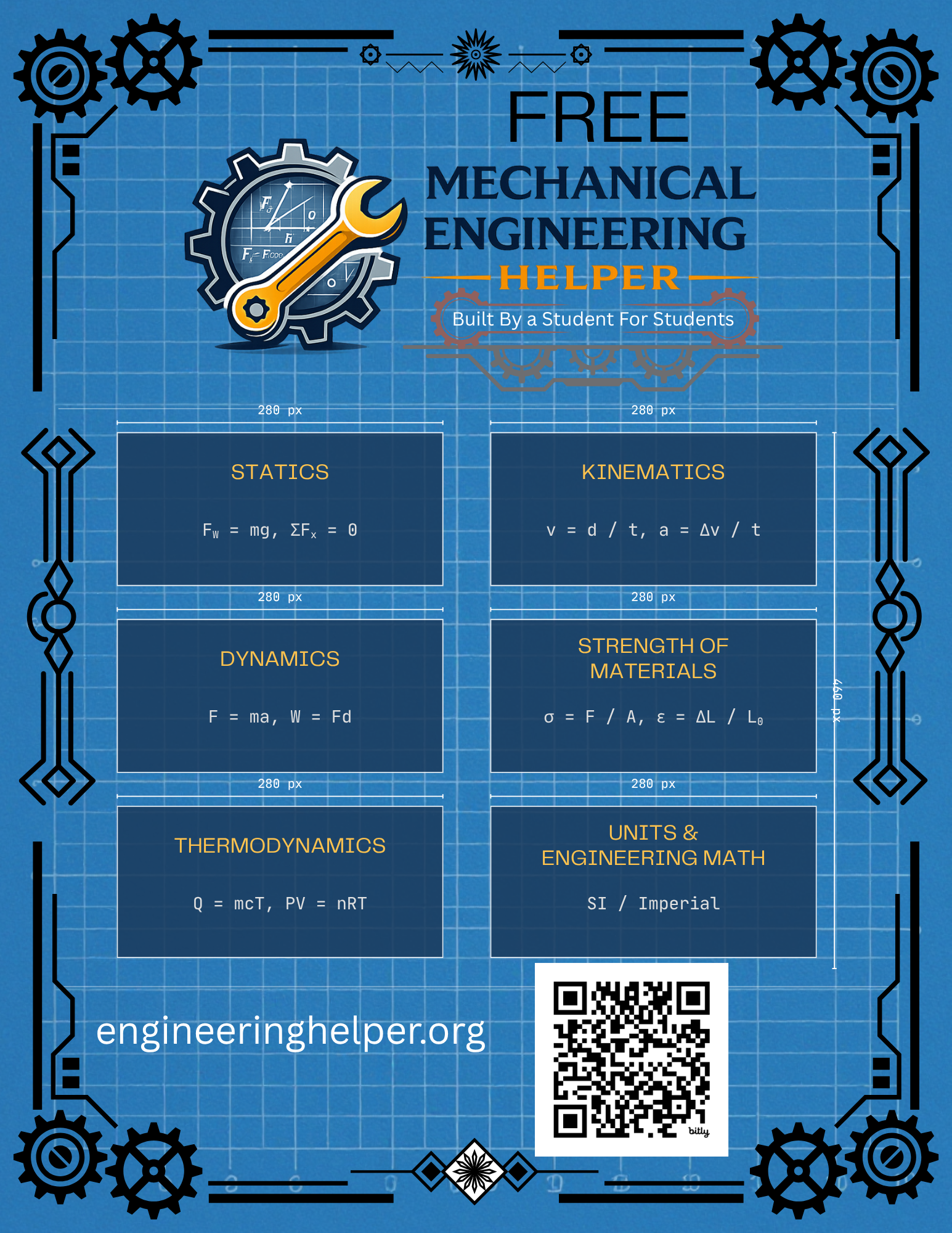
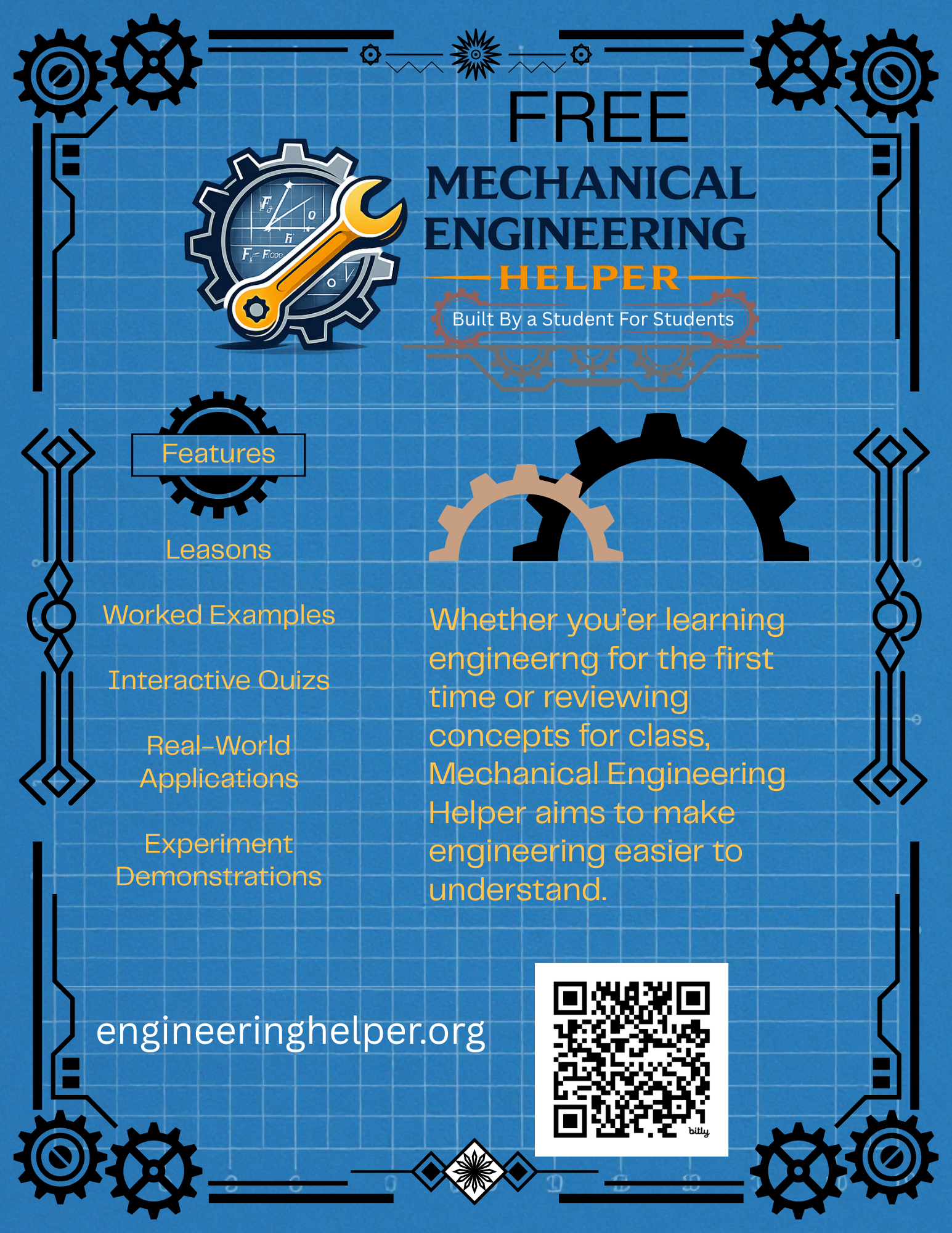
Today I worked on adding a logo to the top right of each page of the website. The reason I felt this necessary is because I designed the logo for the posters advertising the website and felt it a waste to no longer use them. I also did not want people to confuse my banner on the front page with the logo and have them clash for that title. So I added the official logo to each page in the top right. However, I did have to put a glowing effect on it so the darker text of the logo would be easier to read on the darker background. I finished off today by writing todays entry.
Today I finally started to focus on the courses and adding more to unfinished sections such as the Dynamics course. Specifically inside of the Dynamics section I worked for a few hours on the example problems and quiz sections. One thing I am glad I did back when I had just stopped the work on the courses to focus on other things like the analytics, the menu, and overall appearances was leaving code from a previous course in the Dynamics section. I did this to remind me what the format I was using so I did not get confused and have to retrace my steps for the unfinished sections. I used the Strength of Materials section as the place holder in the Dynamics section until today when I updated it. To make sure I did not post Strength of Materials information on the Dynamics course is to remove one letter from the button section so it will not open until I replace it with the correct information. I did have a problem in that I replaced some of the place holder stuff with the updated example problem section then got confused why the quiz and real world applications place holders disappeared. Then I edited the quiz questions for the Dynamics section to make sure they can be solved from the lesson information only. Finally I wrote todays lesson.
Today I wanted to get back into working on the website by completing the Dynamics course as well as possibly the Thermodynamics course too. However, I immediately ran into an issue. The website would not open. I eventually figured out the issue resulted in a domain issue. After a few hours of painstaking checking everything that could be the issue until I found the real issue. Afterwards I only had time to finish the Dynamics course. Then after I finished the Dynamics course I wrote todays entry.
Today I started by working on a suggestion I recently got revolving around my information. I started by adding sources for each lesson to show where I got my information from as well as sources that are other good places to learn about engineering. I added sources to Statics, Kinematics, Strength of Materials, and Dynamics. Not only did I add sources but I found some that are free and others that are not to hopefully help everyone interested. After adding this to every lesson I also had the idea of adding a page for the references and future reading to the home page having all the resources of the sources in one location. After some trial and error I finally got it working. However, it was not that simple because I shortly after found an issue. The issue was that the reference page was not in the menu. Though this was a quick fix as I simply had to copy it to each page's menu section including its own. After I found yet another problem in which the courses drop down in the menu for the reference page was all white instead of the word courses. After some painstaking searching I found the css issue I had made earlier when building the new page. After fixing that I was ready to publish everything or so I thought. The last issue arose and it was a simple appearance flaw that I felt I needed to fix. The reference and future reading button on the home page was slightly bigger than the rest of the buttons on the home screen. After a tedious half an hour or so I found the css I needed to replace and did so to make it better. Lastly, I updated and published everything along with writing todays entry.
Today I started by brainstorming what I wanted to do. I wanted to start and finish both the Thermodynamics and the basic math courses, yet I also had ideas to improve the other four courses. I finally settled on starting the thermodynamics course. As I started I found myself adding more to both the lesson and the worked out problems than the other courses. This is because thermodynamics is almost famous for its complexity even in the simplest levels so I wanted to go a bit more in depth than the others. Once I got to the quiz section I realized the improvement I wanted to make to all the courses was in the quiz so I should probably do that improvement first before continuing on the Thermodynamics course. After realizing what I would do the next day I ended off the day by writing this entry and preparing for the quiz improvements the next few days.
Today I started by thinking of the idea I thought of the last few days. That improvement was to add explanations to each of the questions for each quiz for every course. These explanations would serve to explain why the right answer is right instead of just telling you what the right answer is. This took the whole day as I had to edit an explanation into each of the 400 questions. I also had to design a system to randomize the answer choices as well as I noticed some of the quizzes kept having the answer as always the first or never the last answer choice. After spending many hours designing the randomizer as well as the explanations for each question I also made the quiz for the thermodynamics course. After that I then added the explanations for each of the thermodynamics courses as well. Then I continued by finishing the real world applications section for thermodynamics adding information like engines and airplanes. I also added the video section including the explanation of what the experiment will be once I record the video but I have not yet. Finally I wrote todays entry.
Today I was finally able to continue my work on the website. Today I finished both the Strength of Materials and the Dynamics video demonstrations. This is something I have wanted to do for a while but have been held up with other responsibilities. After spending a few hours recording the videos and editing them I started coding the video sections. I had a few issues with the video links themselves because of a few problems. The main one was that the link tried to link to the video five seconds in. This meant that when someone went to the youtube video from my website it would start them five seconds in. After some trial and error I finally got both working and published the code as well as writing todays entry.
Today I started by trouble shooting a few issues that had been bugging me for a while now that I simply did not have ]time to fix. The first of the two issues involved some of my text not having its transparent box surrounding it. This box allows it to be more noticeable against the colorful background. The text specifically that did not have the transparent box was the text under the title for a few pages. These pages were the Creators Journey, Review, Donate, and the Reference pages. Now the titles themselves did not have the Transparent box either but because they were bigger and more noticeable I did not believe it was necessary for them to have it. When fixing the boxes I had to change a few lines in the CSS. Though that was good as it meant it would impact every page at once fixing every page. The code was around the 288 code line and after I fixed it they all gained their transparent boxes.
The Second issue I had to address was similar to the previous one. This time I had to fix the text in the quiz section. Though this time it was not as simple as they did not have their transparent box but instead it did have one but the orange color of it blended into the colorful background. This essentially nullified the whole purpose of the transparent box. So I went back into the CSS and simply replaced some of the code around the 419 mark to fix the color to a darker black transparent box. However, once I finished that problem I realized under the warning text there was another black transparent box but it did not have any text inside it. There was a good possibility that the transparent box was meant for the warning text but was replaced with the orange one and never deleted. After a lot of searching I found the one single line of code that needed to be deleted around the 505 line of code which I did. After that I continued and wrote todays entry speaking about some hours of trouble shooting.
For todays entry I wanted to start the Units, Conversions, and Engineering Math Basics. I spent a few hours designing the lesson for the page. The reason it took a bit longer was because I found two problems. First the title was accidentally still listed as Statics because I copied over the basic body of the course. This caused the browser to say Statics not Units, Conversions, and Engineering Math Basics. Though this problem was simply solved by replacing the title code with Units, Conversions, and Engineering Math Basics in the place of Statics. The next problem I fixed was with two of the references and further reading sources. The first of the two sources simply could not be found as it was outdated. The second one was also outdated. Fortunately the second one still worked; it was just a bit older. Despite the second source still working I decided to go ahead and fix the second and first with newer sources from the same company. After wrapping up the problems I faced I started working on the example problems section. The example problem section did not have as many problems as the lesson section did so I did not have to do as much trouble shooting. I also had to update the reference and future reading section as I now had references for the Units, Conversions, and Engineering Math Basics section. After finishing the lesson and the example problems section I ended today by writing todays entry.
Today I wanted to continue working on the Units, Conversions, and Engineering Math Basics course. As I have found myself doing I spent a few hours completing the quiz and real world applications sections. First I started with the quiz and the 100 questions. I also needed to set the answer choice and explanations for each question. Luckily because of some future sight from my past self since my JavaScript randomizes the questions order it does not matter much which order I put them in because my existing code will shuffle it. So I could put all my choices as the first answer and it would shuffle them randomly between 0-3 positions. Second I had to code each explanation for why the right answer is right. After that I worked more with finding the real world applications for the course. I especially loved showing how it connects to mechanical engineering as that is my preferred profession. At the end of the day I started thinking of more ideas while I finished the day by writing todays entry for the creators journey page.
Today I started off the month by updating my quiz page. I was given some valuable advice on my quiz page. They suggested adding a randomized 10 question quiz with the 100 question one for those who do not want or do not have the time for a long quiz. This shorter quiz will be 10 questions with each question pulled from a bank of 10 groups of 10 questions each group focused on a different topic from the lesson. Because there are only 10 questions they will be a bit harder with more detail. So I spent a few hours optimizing the system to support both the 10 and 100 question quizzes with all their quiz banks and JavaScript code. I also kept the randomizing code and made it work on both. Then I spent even more time coding the actual next 100 questions in their groups and their explanations. Then I spent some more time working on if I could copy this JavaScript for the Units, Conversions, and Engineering Math Basics which is the first one I did the 10 question quiz on to the other courses. I ended up making the JavaScript optimized to be copied to all other courses. I would just need to leave the original 100 quiz and then simply make the 10 questions per 10 groups. It will still be a few days of work to get all courses updated but at least it is optimized so it wont take weeks. Lastly I finished today off by writing todays creators journey page for 9/01/2026.
Today I spent a few hours designing the updated quiz system for the 10 question shorter quiz for the Thermodynamics and Dynamics course. I copied over the same formatting for the Units, Conversions, and Engineering Math Basics to the Thermodynamics and Dynamics pages. After I copied it over I started replacing the Units, Conversions, and Engineering Math Basics questions with the questions for Thermodynamics. After doing that neither the 100 or 10 question button worked. I realized that it did not because I did not replace the code to include both working buttons. After replacing those and finishing the questions bank for Thermodynamics I looked over it to make sure everything was working. Next I did the same to Dynamics which took many hours to but when smoother as I already knew what to do. At the end I had the shorter harder quiz done for both Thermodynamics and Dynamics. Then I ended the day off by writing todays entry.
Today I spent a few hours finishing the shorter 10 question quiz for the remaining courses. Those courses were the Strength of Materials, Kinematics, and Statics courses. After I finally finished getting them all the right code and question banks I tested each on to make sure they all worked as intended as you can never be sure when it comes to code. After that I updated the Creators Journey Page with todays entry which I wrote.
Today I wanted to film the videos for the Thermodynamics and Units, Conversions, and Engineering Math Basics. I went ahead and filmed both videos then spent time editing the videos and uploading them. After I did that I finished the video sections and video links. After making sure they both worked I started working on other things. First I added a section under the courses description telling the user what order I recommend to do the courses in. After that I altered the order of the courses and how they appear so they are in the order that is suggested. Then I wrote todays entry.
Today I wanted to augment the website to work better on a phone so more people can enjoy the website better. I had to do a lot to get it to work. I spent a few hours adding to the CSS code. I also found an error in the code for the back to home button on the courses page not only on the computer version but also the new phone version. The back button was faded and in the bottom left corner. After fixing it I realized it was blue and had no white background box. After fixing that I finally finished. After it all I had a working phone version and I fixed a problem I had missed before. After finishing everything I wrote today's entry.
Today I started by thinking of what I could continue to improve. Then I remembered that I was once thinking about adding tools and calculators to the website. So I finally started development of that. I spent a few hours thinking about what and how I would do this. After a while I added a new page called Engineering Tools and started the code in it. After a while I finally completed the first of many calculations of basic unit conversions. After that I started the long repetitive task of finding out how to add another page to the drop-down menu for each page as well as adding it as a page button on the home page. Then while I was doing that I realized a problem. Well it was not really a problem but more so something that bugged me. In the submenu for the courses in the menu the order shown is the old order before I changed it to the recommended order to complete in. So after looking around I found out how to change the order to the suggested order and I started copying the code to each page again. After that I wrote todays entry and started copying the code over to publish it so this version would be live.
Today I spent a bit of time updating the Engineering Tools page to improve it. I decided since I was going to add multiple engineering tools to the Engineering Tools page I made them each tabs like the Reference and Future Reading Page. SO after converting the units conversions tool to a tab format I had to add much more to the CSS to get it all working. Then I started making a new tool called force components. After finishing that and making sure it worked on both phone and computer I wrote todays entry in the Creators Journey page.
Today I started by designing the next engineering tool to go on the Engineering Tools page. However, as I was designing it I decided to stop and plan out exactly how many engineering tools I would have and came up with 8 total. After I wrote down the ones I was interested in designing I continued designing the one I was on. After a few hours I finished all the work including making and testing the new engineering tool for the Engineering Tools page called Resultant Force. After that I continued brainstorming what else I would want to add in the near future coming up with a few more ideas. Then I finished today off by writing and adding the news creators journey entry for today.
Today I started off by starting to design the next three engineering tools to be put onto the Engineering Tools page. I decided that the tools would be A Kinematics Calculator, A Newtons Second Law Calculator, and a Stress & Strain Calculator. After a few hours I had all three of these finished and ready to be published but I decided to wait until tomorrow before publishing these three so I could publish all five of the remaining ones at the same time. Then to finish the day off I wrote todays Creators Journey entry.
Today I started by finishing the last two engineering tools for the Engineering Tools page. These tools were the Factor of Safety, and Heat Energy tools. After spending a few hours doing that and publishing it all and fully finishing the Engineering Tools page I started having another idea for the use of the engineering tools in the Engineering Tools page. I decided to start designing a way to open a drop down menu on the right side of the screen while in either the 100 or 10 question quiz for any of the courses. In this menu there would be the engineering tools so that a user could use them without closing the quiz since that resets the quiz and progress as well as randomizes the whole quiz again. This way a user could use the tools to their benefit without accidentally losing their progress on their quizzes, be it the 100 question quiz or the 10 question quiz. After that I ended off the day by writing the Creators Journey page entry for today.